
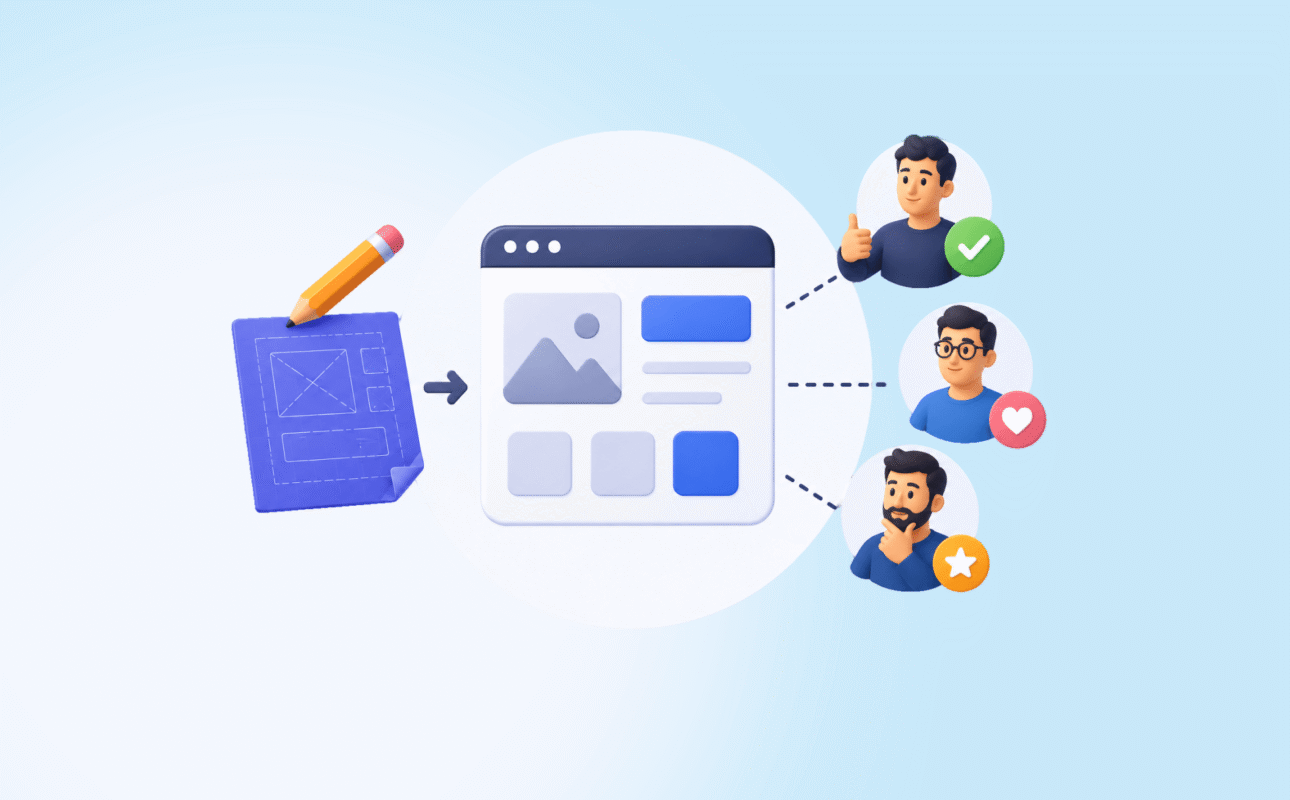
MVP design for startups is the process of designing the smallest possible product that delivers real value to real users and generates real feedback. Not a demo. Not a mockup. Not a prototype you only show to investors. A product that survives actual contact with people who have no patience for confusion.
Most MVPs fail at the design stage before a developer writes a single line of code.
Founders design what they want to build, not what users need to understand. The interface makes sense to the person who built it and confuses everyone else. The onboarding asks for too much too soon. The core value is buried two clicks deep.
This guide covers how to design an MVP correctly, what most founders get wrong, and what a decade of leading product design across global startups has taught us about the difference between MVPs that get traction and ones that quietly get abandoned.
What this guide covers:
- What MVP design actually means and what it is not
- How to decide what to design and what to leave out
- The MVP design process step by step
- The most common MVP design mistakes and how to avoid them
- How to know when your MVP design is ready to ship
- How Ruhcraft approaches MVP design for early-stage founders
What MVP Design Actually Means
The term MVP gets misused constantly. Let us be precise.
A minimum viable product is not the cheapest thing you can build. It is not a half-finished product. It is not a landing page with a waitlist form.
An MVP is the simplest version of your product that completes one user journey end-to-end, well enough that a real user gets genuine value from it.
The word minimum refers to features, not quality. The experience itself must be clear, trustworthy, and functional. A confusing MVP does not validate your idea. It validates that your execution was poor.
MVP design for startups is the discipline of making that distinction concrete. It decides which one journey to design, what screens are required to complete it, and how to make the interface clear enough that a stranger can use it without guidance.
That last part is the hard part. It is also the part most founders underestimate.
The Core Question Every MVP Design Must Answer
Before you design a single screen, you need to answer one question clearly.
What is the one thing a user must be able to do in your product that makes them want to come back?
Not three things. Not the full feature set you have planned. One thing.
This is your core user journey. Every design decision in your MVP should serve this journey or get cut.
If you cannot answer that question in one sentence, you are not ready to design yet. You need more user research first.
Here is how to find the answer:
- Write down every feature you have planned for the product
- For each feature, ask: does this directly help the user complete the core journey?
- If the answer is no, move it to a backlog. It is not in the MVP.
- What remains is your design scope
Most founding teams end up cutting 50 to 70% of their original scope in this exercise. That is not a failure. That is the process working correctly.
The MVP Design Process: What to Do and When
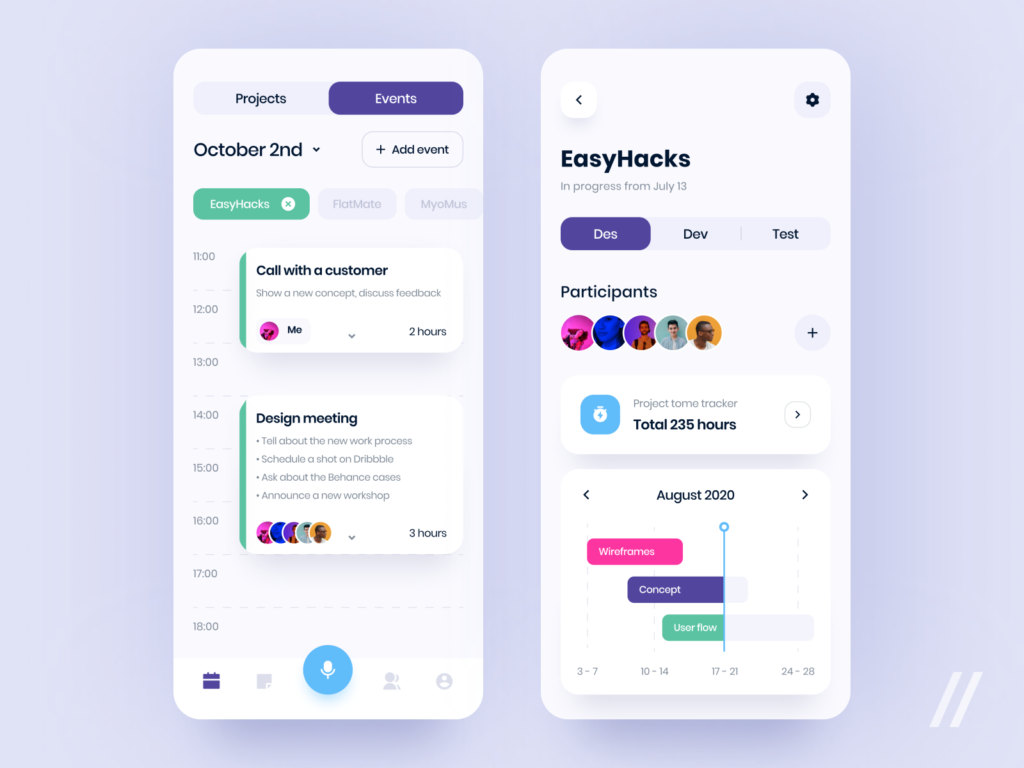
Step 1: Define the User and the Problem Before Anything Else
Good MVP design starts before Figma opens.
You need two things locked down: who the user is and what problem they experience right now, before your product exists.
Not what problem you think they have. What problem they actually describe in their own words when you talk to them.
Run 5 to 8 user interviews. Ask about their current behaviour, their workarounds, and where they feel friction. Listen for the language they use. That language should appear in your UI copy, your onboarding, and your error messages.
If you skip this step, you will design for your assumptions. That is the most expensive mistake in startup product design.
Step 2: Map the Core User Journey
Take your one core journey and map every step a user takes to complete it, from arriving at your product to achieving the outcome.
Write it as a simple flow:
- User arrives at the product
- User understands what the product does within 8 seconds
- User signs up or logs in
- User completes the setup required to get value
- User reaches the moment of value
- User has a reason to return
Every step that is unclear, missing, or creates friction is a design problem to solve. Every step that is not in this flow should not be in your MVP.
This map becomes the brief for your wireframes. It also becomes the script for your usability tests later.
Step 3: Wireframe the Critical Screens Only
An MVP does not need 40 screens. It needs the 8 to 12 screens that complete the core journey, designed clearly.
Wireframe only those screens. Keep them low fidelity. No colour, no branding, no visual design decisions yet.
At this stage you are solving structure problems, not visual problems. Solve them cheaply before you invest in polish.
Key screens most MVPs need:
- Landing or home screen that communicates the value proposition in 8 seconds
- Signup or login screen that asks for the minimum required information
- Onboarding flow that gets the user to value as fast as possible
- Core feature screen where the main value is delivered
- Empty state for when the user has no data yet
- Success state so the user knows they completed the action
- Error state for the most likely failure points
If a screen is not in that list, ask whether the MVP genuinely needs it.
Step 4: Test the Wireframes Before Moving Forward
This is the step most founders skip because they are in a hurry. It is also the step that saves the most time overall.
Take your wireframes and run a simple usability test with 5 people who match your target user profile. Give them one task. Watch them try to complete it without helping them.
What you are looking for:
- Where do they hesitate?
- Where do they click on something that is not clickable?
- Where do they misunderstand what the product is asking them to do?
- Where do they give up?
Every point of confusion you find now costs you nothing to fix. The same confusion found after the product is built costs days of engineering time.
Five tests will surface the most critical problems. You do not need twenty. You need five honest ones.
Step 5: Apply Visual Design with Discipline
Once the wireframes are validated, apply visual design. This is where your brand identity comes in.
For an MVP, the visual design job is not to be impressive. It is to be trustworthy and clear.
Users make a trust judgment about your product in under 50 milliseconds, per research from Northumbria University. Poor visual design does not just look bad. It makes users doubt whether the product works at all.
Focus on these in order:
- Typography: One heading font, one body font. Clear hierarchy between headings, subheadings, and body text.
- Colour: A primary brand colour, one neutral, and red for errors. No more than that for an MVP.
- Spacing: Generous whitespace. Crowded interfaces signal amateur design faster than any other mistake.
- Consistency: Every button looks the same. Every input field looks the same. Every heading size is used for the same level of information.
- Mobile: Design mobile first. If it works on mobile it will work on desktop. The reverse is rarely true.
In our product design experience, the MVPs that perform best are not the most visually ambitious ones. They are the ones where every design decision serves clarity. Restraint is a skill.
Step 6: Design the States Nobody Thinks About
This is where MVP design quality separates senior designers from junior ones.
Every screen has multiple states. Most teams only design the happy path — what the screen looks like when everything goes perfectly. Real users rarely take the happy path.
Design these states before you hand off to development:
- Empty state: What does the dashboard look like before the user has added any data? This is usually the first screen a new user sees after onboarding. It must guide them to the next action, not leave them stranded.
- Loading state: What does the user see while data is loading? Uncontrolled loading states cause users to think the product is broken.
- Error state: What happens when something goes wrong? The error message must explain what happened and what the user should do next. “Something went wrong” is not an error message.
- Success state: What does the user see after completing a key action? Confirmation matters. It tells the user the product received their input and it worked.
Designing these states adds one to two days to the design process. Leaving them out adds weeks of back-and-forth during development and creates a product that feels unfinished to every new user.
Step 7: Build a Minimal Design System Before Handoff
You do not need a full design system for an MVP. You need a minimal one.
A minimal design system for an MVP includes:
- Colour tokens with names (primary, secondary, neutral, success, error, warning)
- Typography scale (H1, H2, H3, body, caption, label)
- Spacing scale (4px base unit, applied consistently)
- Core components (button states, input field states, card style, navigation)
Document this in Figma before handoff. When developers have a reference, they build consistently. When they do not, every screen ends up slightly different and the product looks assembled rather than designed.
The Most Common MVP Design Mistakes
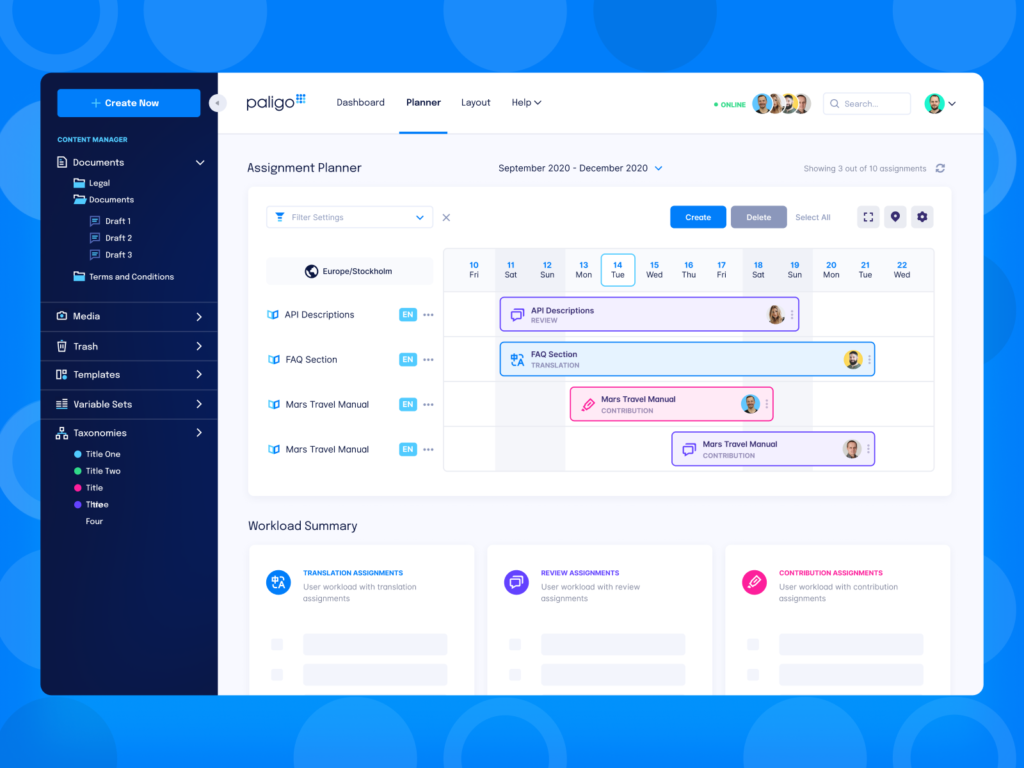
Trying to Design Everything
The most common MVP design mistake is not a design mistake. It is a scope mistake.
Founders add features because they are worried the MVP will not be impressive enough. The result is an MVP that does five things poorly rather than one thing well.
Users do not churn because a product has too few features. They churn because the features it has are confusing or unreliable.
Cut the scope ruthlessly. Ship the one journey. Add features based on what real users ask for after using the product, not what you assume they will want before they do.
Designing for Investors Instead of Users
Investor demos and user experiences are different products.
A demo is designed to impress in 3 minutes with someone narrating it. A user experience is designed to be understood by a stranger in under 60 seconds with no guidance.
When you design for investors, you get a beautiful product that nobody outside a boardroom knows how to use.
Design for the confused first-time user. Investors can follow. Real users cannot fake it.
Ignoring Onboarding
Onboarding is the highest-leverage design work in any MVP. It is the moment where users decide whether the product is worth their time.
Most MVP onboarding has the same problems:
- Asks for too much information before delivering any value
- Does not explain what the user should do first
- Does not show the user what value they will get from completing setup
- Has no guidance for the empty state that follows
Research from multiple SaaS analytics platforms consistently shows that 60 to 70% of users who sign up for a free trial never return after their first session. Onboarding design is usually the reason.
Design the onboarding flow as if you are guiding a first-time user who has 90 seconds of patience and zero prior knowledge of your product.
Using Placeholder Copy
Wireframes have placeholder text. Final designs should not.
Lorem ipsum in a shipped product tells users the product is not ready. Generic button labels like “Submit” or “Continue” miss the opportunity to set expectations and build confidence.
Every piece of copy in your MVP UI is a design decision:
- Button labels should describe the action and the outcome (“Create your first project” beats “Get started”)
- Error messages should explain what happened and what to do next
- Empty state copy should motivate the next action, not just describe the empty state
- Onboarding steps should tell users why each step matters, not just what to do
Write the UI copy before you design the screens. It will make the design better.
Skipping Usability Testing
Most startup teams believe they know how users will experience the product because they know the product deeply.
This is the problem, not the solution.
Five usability tests with real target users will always reveal something unexpected. Always. In 10+ years of leading product design, there has not been a single product that came out of usability testing unchanged.
The tests do not need to be expensive or formal. Five people, one task, 30 minutes each. Watch what they do, not what they say.
How to Know When Your MVP Design Is Ready to Ship
This is a question most founders answer with gut feel. Here is a more reliable framework.
Your MVP design is ready to ship when:
- A stranger can complete the core user journey without help or explanation
- Every screen has its empty, loading, error, and success states designed
- The mobile experience is as clear as the desktop experience
- Five usability tests have been run and critical issues have been resolved
- The design has been handed off with a minimal design system and annotated specifications
- The founding team can describe the core user journey in one sentence
If you cannot pass these checks, the design is not ready. Shipping an experience that fails these tests does not validate your product idea. It validates that the design was not ready.
MVP Design for Startups and AI Tools in 2026
Founders now have access to AI tools that generate UI screens from text prompts. Figma AI, Galileo, v0, and others can produce a plausible-looking interface in minutes.
This is useful for early exploration. It is not a substitute for MVP design.
AI-generated interfaces are based on patterns from existing products. They do not know your specific users, your core user journey, or the specific problem you are solving. They produce generic interfaces that look familiar but are not designed for your context.
Use AI tools to explore visual directions quickly. Then apply design judgment to decide what actually serves your users and what does not.
The speed of AI output makes design judgment more valuable, not less. When everyone can generate screens, the products with real strategic design thinking stand out more clearly.
How Ruhcraft Approaches MVP Design
We work with founders at the earliest stages. Most of our MVP design engagements start before the product has a name.
Our process starts with user interviews and assumption mapping, not Figma. We define the core user journey before we wireframe a single screen. We run usability tests on wireframes before we apply any visual design.
The result is an MVP that is built on validated decisions, not assumptions. Founders who go through this process ship products that real users understand and return to.
If you are designing your MVP and want a design partner who has been through this process on 10+ global products, let us talk at ruhcraft.com/contact-us/.
Frequently Asked Questions About MVP Design for Startups
What is MVP design for startups?
MVP design for startups is the process of designing the minimum set of screens and interactions required for a real user to complete your product’s core value journey. It covers user research, core journey mapping, wireframing, visual design, and usability testing. The goal is to validate that your product idea works with real users before investing in full development.
How many screens does an MVP need?
Most MVPs need between 8 and 15 screens to cover the core user journey completely, including all key states (empty, loading, error, success). More than 20 screens in an MVP is usually a sign that the scope has not been cut aggressively enough.
How long does MVP design take?
A focused MVP design engagement from discovery through to developer-ready designs typically takes 4 to 8 weeks. This includes user research, wireframing, usability testing, visual design, and handoff. Skipping research or testing cuts time upfront and almost always adds time post-launch.
Should I use AI tools to design my MVP?
AI tools are useful for exploring visual directions quickly. They are not a substitute for user research, journey mapping, or usability testing. An AI-generated interface that has not been validated with real users is an assumption, not an MVP. Use AI to accelerate exploration, then apply design judgment to validate.
What is the difference between an MVP design and a prototype?
A prototype is a clickable simulation used to test a design concept, usually before development. An MVP is a real, deployed product. MVP design covers the full design scope required to build and ship a functioning product. A prototype is one step in that process, not the end goal.
The Bottom Line on MVP Design for Startups
MVP design for startups is not about building something small. It is about building something focused.
The most successful MVPs are the ones where every design decision serves a single user journey, tested with real users before it is built, and shipped with enough clarity that a stranger can use it without guidance.
The founders who get this right validate faster, iterate faster, and build products with real traction. The ones who skip the design discipline ship faster and learn less.
Do the research. Map the journey. Test the wireframes. Design the states nobody thinks about. Ship when a stranger can use it without help.
If you want a design partner who has done this on real products with real users, get in touch at ruhcraft.com/contact-us/.